
Project Lifecycle Overview
Project Lifecycle Overview
Summary
The project lifecycle in BuilderPal represents the stages of a construction project from initiation to closeout, integrated with dashboard tools for monitoring and management. This overview explains how BuilderPal supports each phase to streamline workflows for contractors.
Why It Matters & How It Works
The problem it solves
Construction projects often span multiple phases and tools, making tracking messy. This lack of visibility can lead to missed steps, delays, and budget overruns.
Why it matters to contractors
BuilderPal’s project lifecycle ties everything together in one place. Real-time dashboard updates give teams clear visibility, reduce manual errors, and help everyone stay aligned and productive.
How it works (project lifecycle)
- Initiation: Set up the project and core details on the dashboard
- Planning: Manage bids, scopes, and tasks
- Execution: Complete work through actions and updates
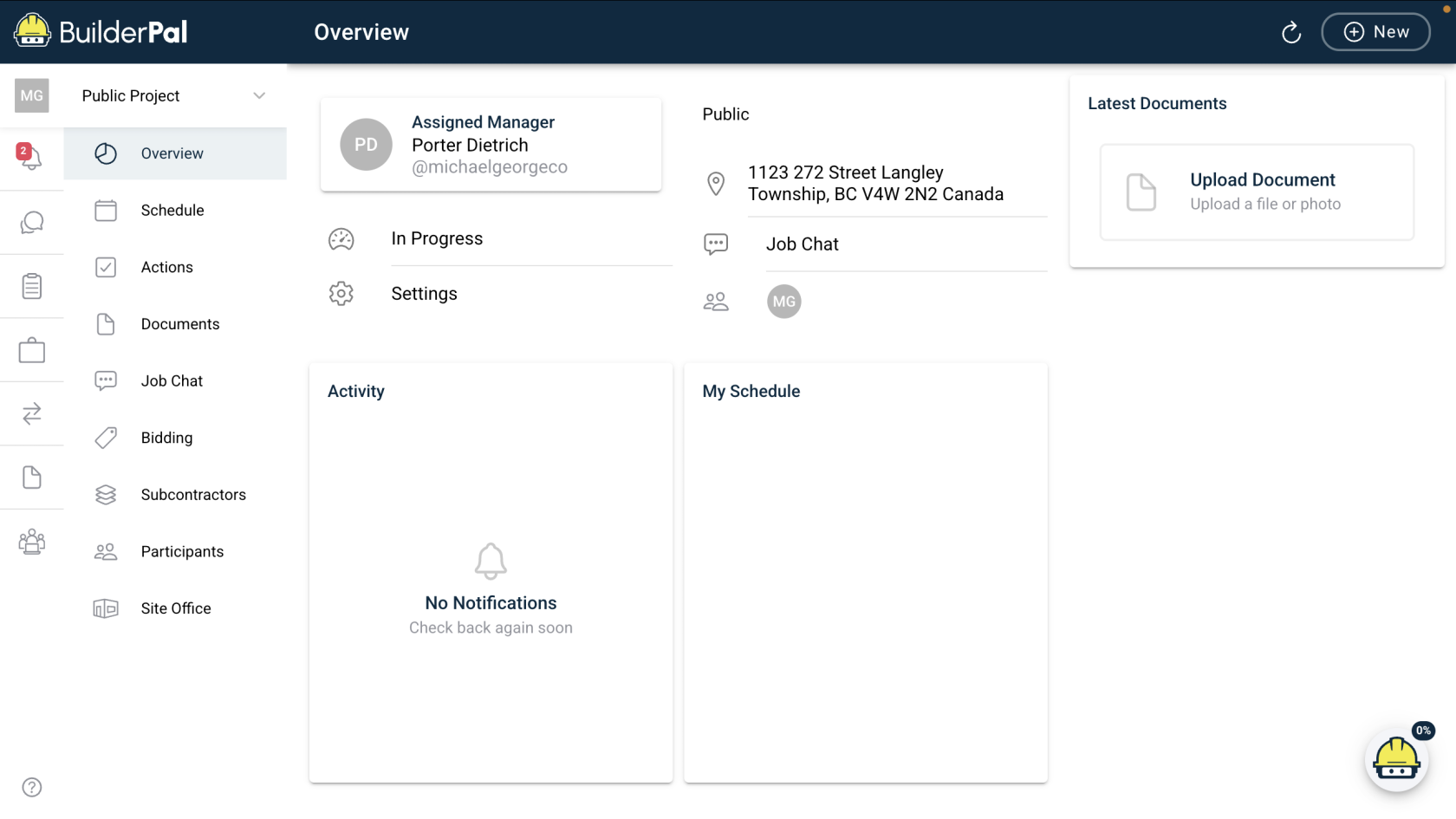
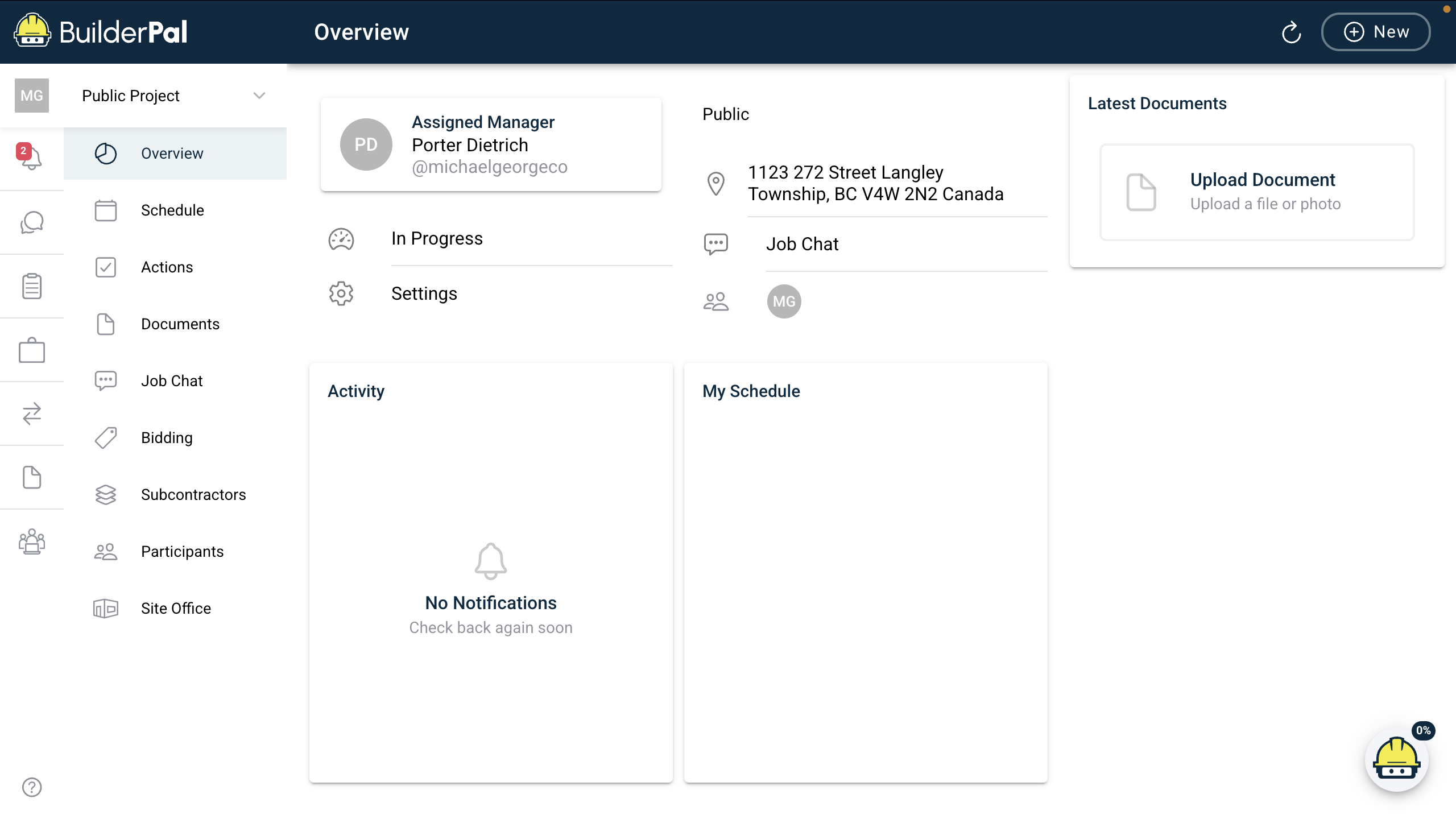
- Monitoring: Track progress, alerts, and overall status
- Closeout: Archive the project and generate reports
Real-world example
For a renovation project, you’d start by creating the project on the dashboard, plan the work using bid packages, execute tasks in Actions, monitor progress in the Overview, and finish by uploading final documents and closing out the project.
 Related Articles
● Workflow / Tutorial: Learn the Project Dashboard
● Reference: Project Settings Reference
● Troubleshooting / FAQ: Dashboard Data Not Updating
Metadata
● Relevant Roles: Admin (GC), Admin (SUB), Admin (SHORTCUT), Team Project Manager, Team Member, Team Finance Manager, Team Business Manager, Team Supervisor
● Feature Area: Project Setup Basics
● Article Type: Concept / Overview