
What Are Internal Projects?
Summary
Internal projects in BuilderPal are private workspaces for your team’s internal use, such as company operations, training, or non-client jobs. They allow secure collaboration without external sharing.
Prerequisites
- Role or permission needed: Admin (GC), Admin (SUB), Admin (SHORTCUT), Team Project Manager, or Team Business Manager.
- Any setup required: Log in to your BuilderPal account.
Steps
1. Open the New Project Form
- From the Projects Menu, click New in the top right to start creating a new project. Enter your Project name and description.
2. Turn Internal Project On
- This toggle will be located underneath the description.

3. Create the Project
- Click Create in the top right to finish setting up the internal project.
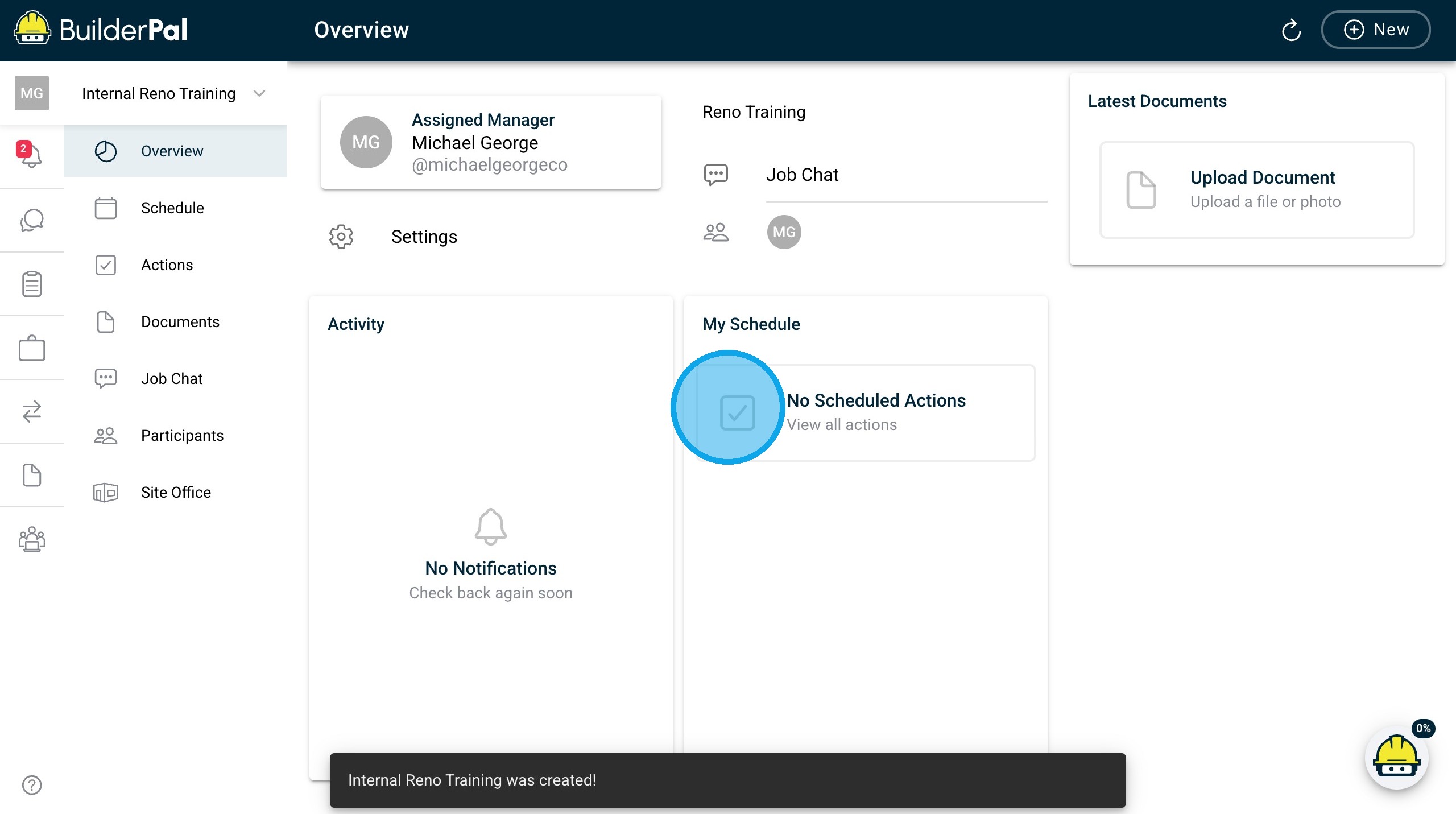
Tips
- Pro tip or best practice: Use internal projects for non-client work to keep internal operations, training, and admin tasks separate from customer jobs.
- Shortcut: Duplicate an existing internal project template to avoid re-entering common details.
Related Articles
- How to Create a New Project
- Project Access Explained
- Manage Project Participants
- Navigate Your Projects
- Organize Your Projects
Metadata
- Relevant Roles: Admin (GC), Admin (SUB), Admin (SHORTCUT), Team Project Manager, Team Member, Team Finance Manager, Team Business Manager, Team Supervisor
- Feature Area: Project Setup Basics
- Article Type: Workflow / Tutorial