
Personal Calendar
Summary
Your Personal Calendar (My Schedule / To-Do List) in BuilderPal shows every task, action, and deadline assigned to you across all projects in one private view.
Prerequisites
- Role or permission needed: Any team member (always available)
- Setup required: Log in to BuilderPal
Steps
1. Open Your Personal Calendar
- From the left sidebar, click To-Do List.
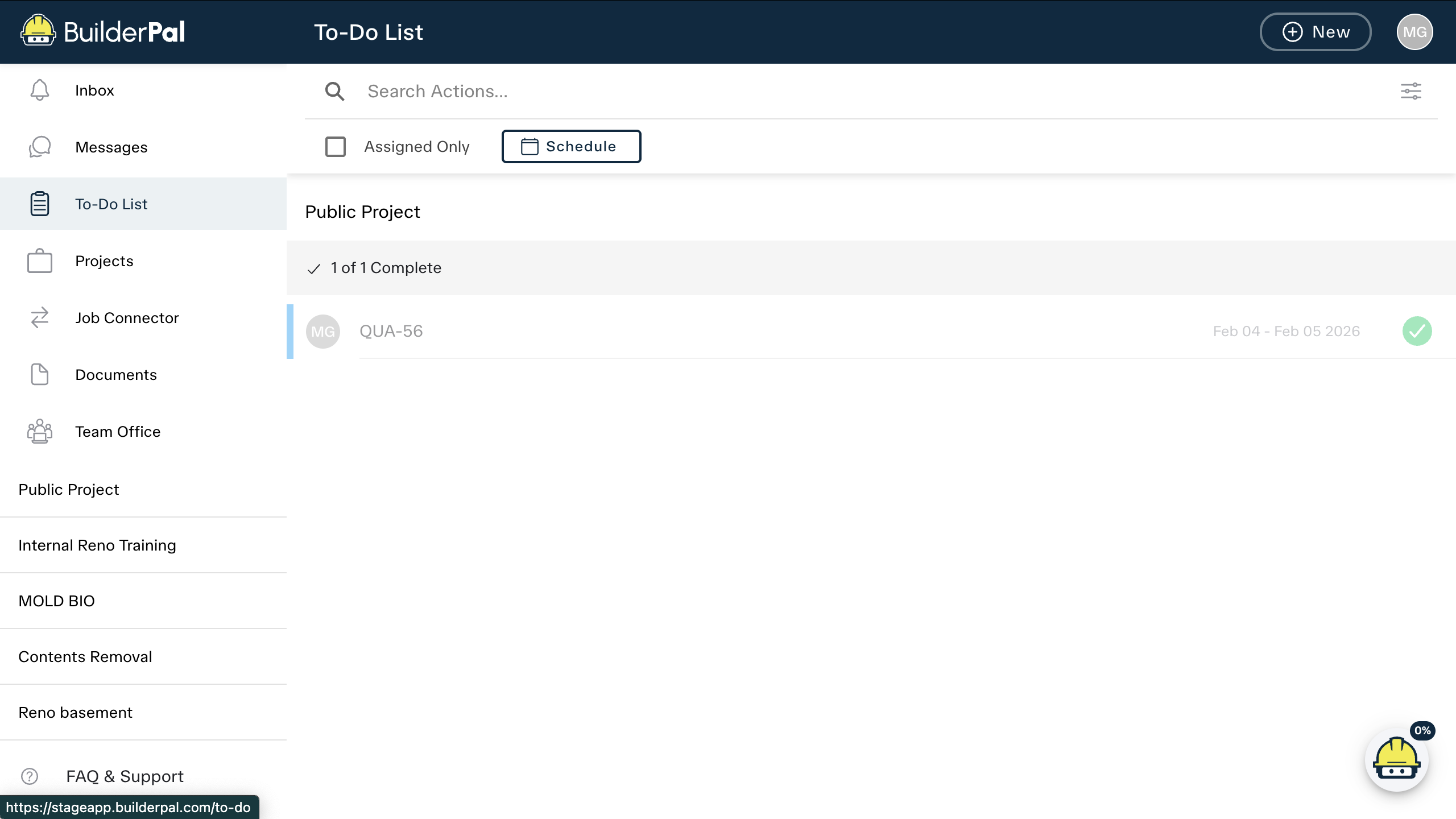
2. Switch to Schedule View
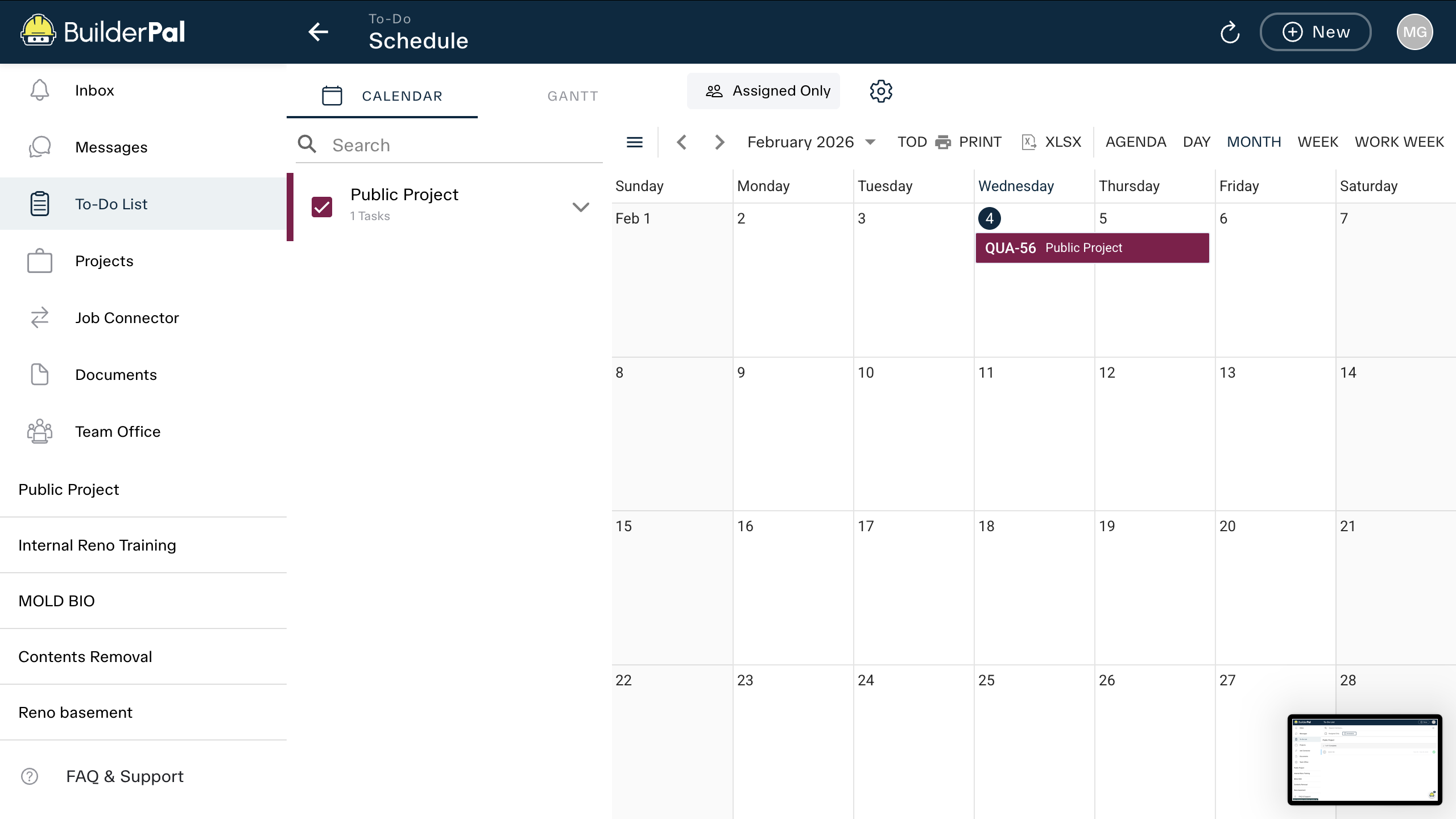
3. View Tasks Across All Projects
- All tasks assigned to you appear here with due dates, project names, and status.
- This view is completely private to you.
Tips
- Pro tip: Use the Assigned Only toggle to hide tasks you’re not directly assigned to.
- Shortcut: Bookmark the To-Do List page for quick access from any device.
FAQ
Is this visible to my team?
No — your personal calendar is completely private to you.
Can I sync it with Google Calendar?
Yes — export your schedule as an .ics file from the Schedule view.