Organize Your Projects
Organize Your Projects
1. Steps

Access the Projects List (clear action)

From the main dashboard, click the Projects tab in the sidebar to view all your accessible projects.

2. Change Location Type
Select a project, click on Address then change your Address location type (e.g., "Residential", "Commercial", "Industrial") and save.
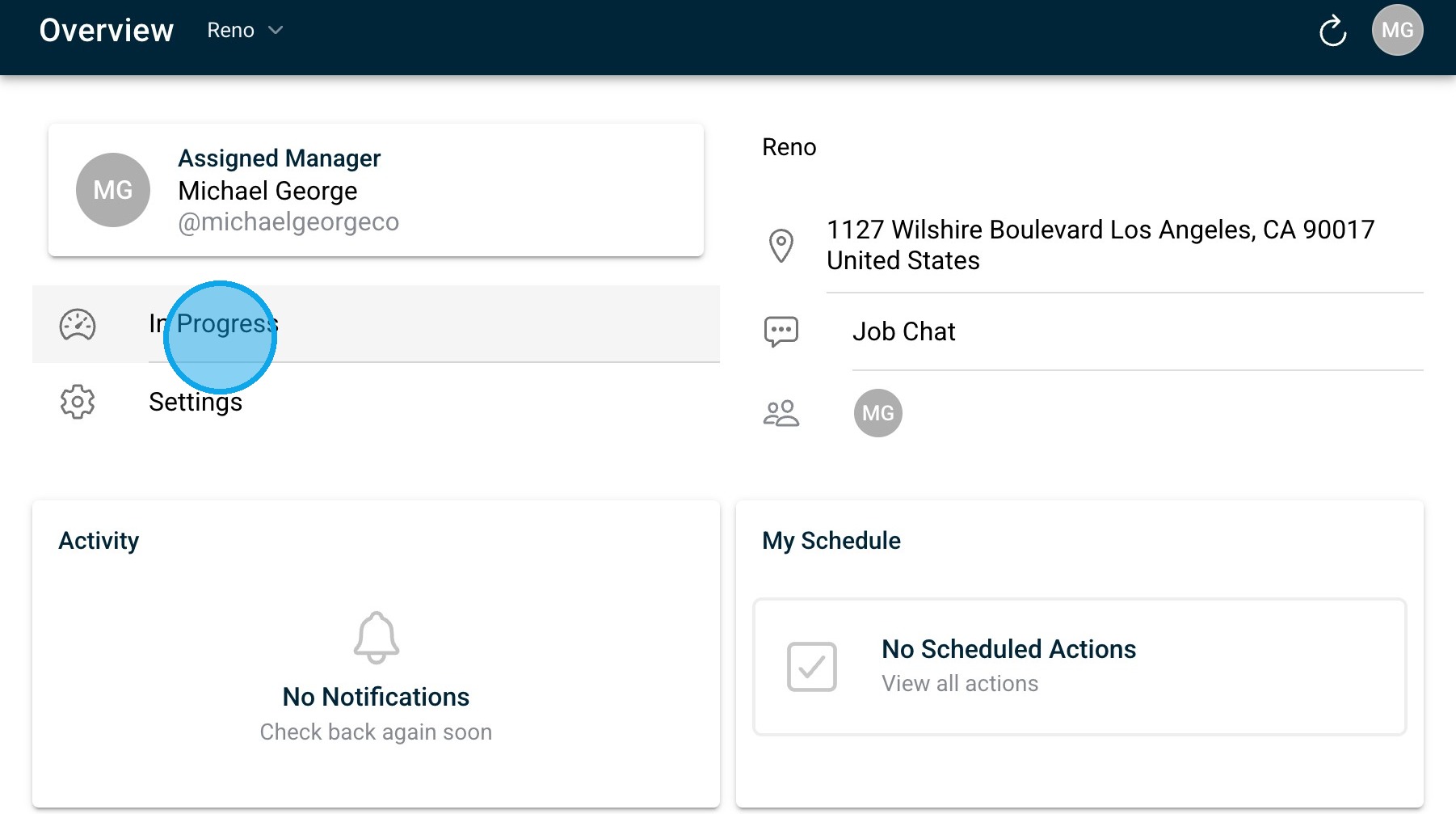
3. You can edit the status of your Project then use the filter options back at the top of the Projects section to sort by tags, status, or date; create custom groups if available in your role.
4. Group or Filter Projects:
Use the filter options at the top of the Projects section to sort by tags, status, or date; create custom groups if available in your role.