
Project Settings Reference
Project Settings Reference
Summary
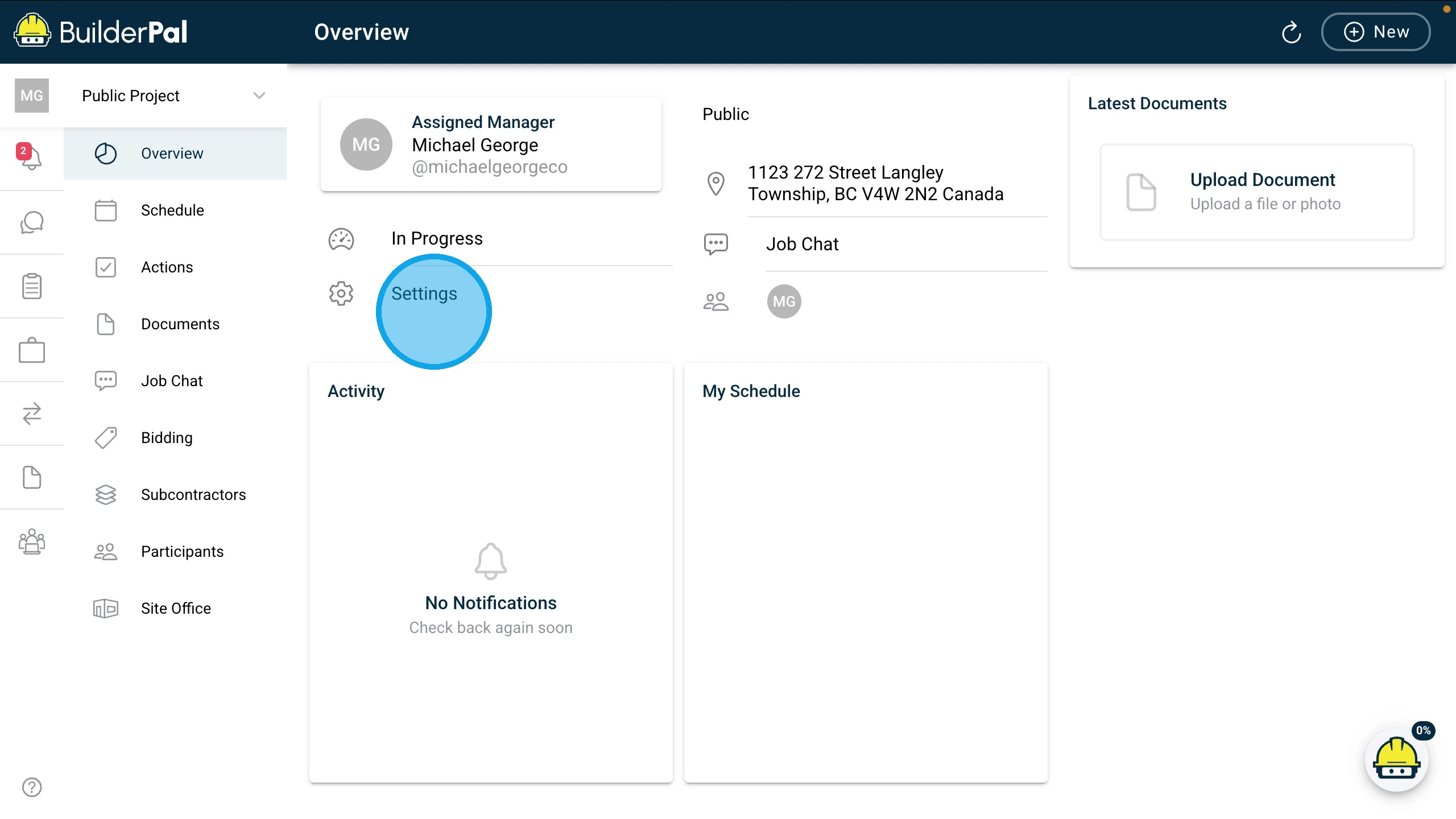
Project Settings in BuilderPal lets admins and managers configure project details, roles, and notifications.
Key Details
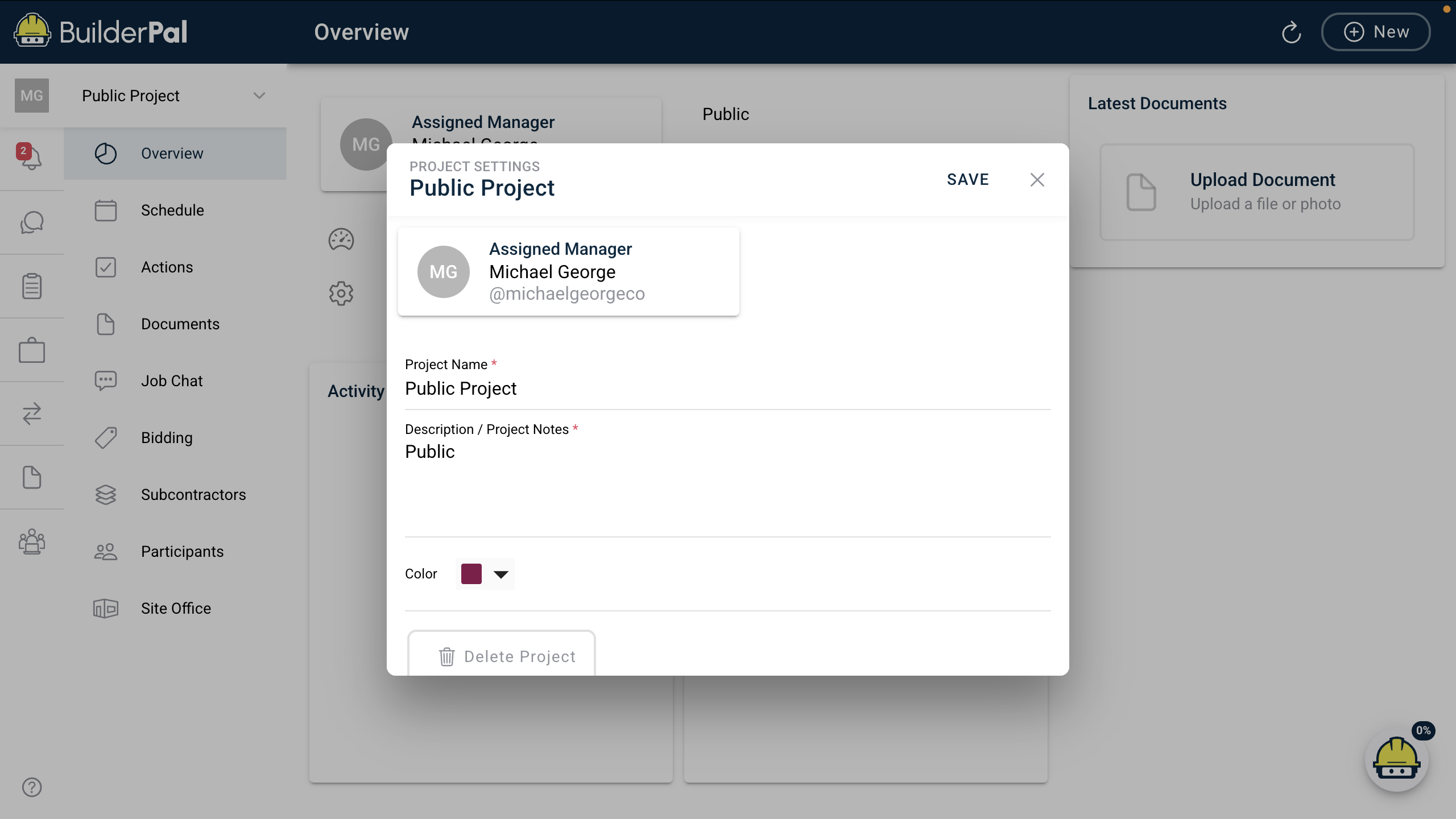
- Definition/Description: Edit core project info like name, status, manager, address, and preferences after creation.
- Field/Option Meanings: Controls project visibility, notifications, and basic metadata.
- Role Requirements: Editable by Admin (GC), Admin (SUB), Admin (SHORTCUT), Team Project Manager, or Team Business Manager. Others have view-only access.
Table of Values
| Item | Description | Notes |
|---|---|---|
| Project Name | Display name for the project | Required; used in lists and reports. Example: "Halifax Reno" |
| Status | Current phase (e.g., Planning, In Progress) | Dropdown; affects filters and alerts. Example: "In Progress" |
| Assigned Manager | Lead user for the project | Dropdown of team members; triggers notifications. Example: "Michael George" |
| Address | Project location | Searchable field with auto-suggest. Example: "1333 South Park Street Halifax, NS" |
| Description / Notes | Additional project info | Optional text field for internal use |
| Notifications | Email alert preferences for changes | Toggles per action type; customizable by role |
Screenshot
Related Articles
- Workflow / Tutorial: Edit Project Details
- Concept Overview: Project Lifecycle Overview
- Troubleshooting / FAQ: Dashboard Data Not Updating
Metadata
Relevant Roles:Admin (GC), Admin (SUB), Admin (SHORTCUT), Team Project Manager, Team Member, Team Finance Manager, Team Business Manager, Team Supervisor