Project Settings Reference
Project Settings Reference
Summary
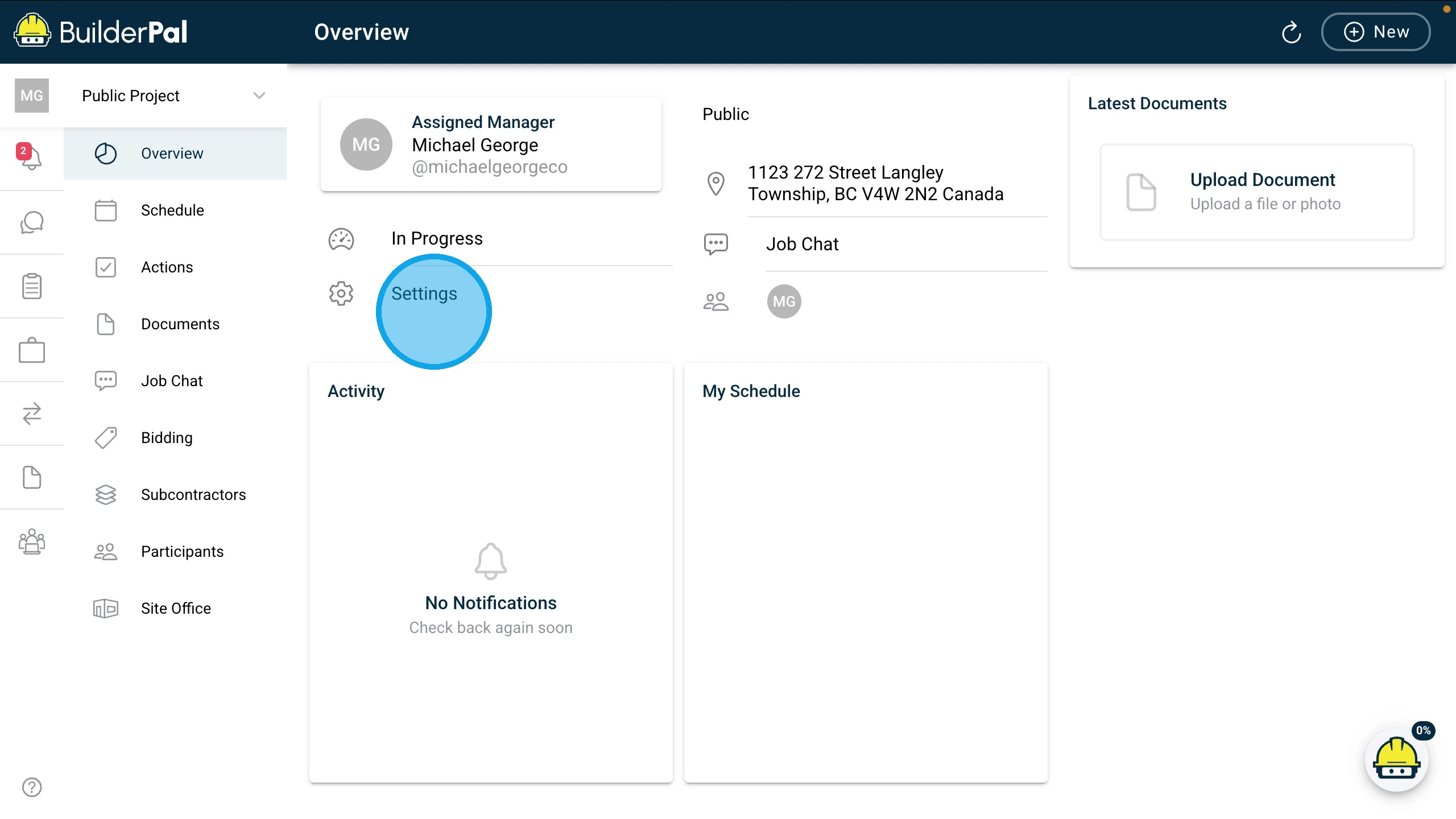
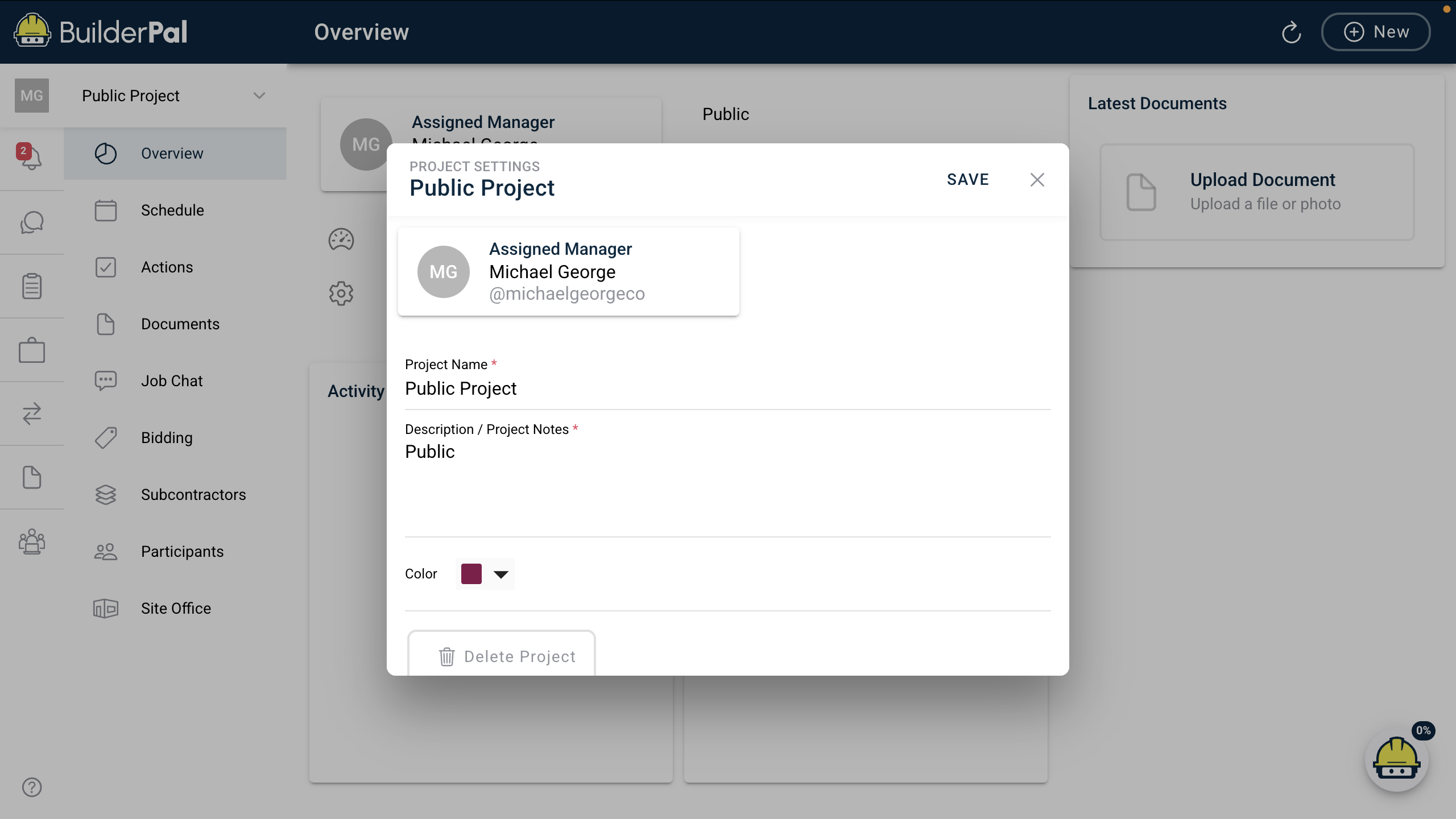
This reference covers the fields and options available in the Project Settings inmodal BuilderPalof letsBuilderPal, adminsallowing users to edit core project information like name, manager, description, and managers configure project details.color.
Key Details
- Definition/
Description:description:EditProjectcoreSettings is the modal accessed from the dashboard for updating projectinfo like name, status,metadata, manager,address,and appearance without affecting tasks or documents.● Field or option meanings: Fields control project identification, leadership, notes, and
preferencesvisualaftertagging;creation.see Field/OptiontableMeanings:forControlsdetails.project●
visibility, notifications, and basic metadata.- Role
Requirements:requirements: Editable byAdminadmins(GC),andAdminproject(SUB), Admin (SHORTCUT), Team Project Manager, or Team Business Manager. Others havemanagers; view-onlyaccess.for
●
Table or List of Values
| Item | Description | Notes |
|---|---|---|
| Assigned Manager | The user responsible for overseeing the project. | Dropdown of team members; changing sends notification. Example: "Michael George @michaelgeorgeco". |
| Project Name | Required; used in lists and | |
| Description / Project Notes | Additional |
Optional text field for internal |
| Delete Project | Button to permanently remove the project. | Use with caution; deletes all associated data. No example (destructive action). |